
How do I place a print order for designs with multiple pages?
You can now place print orders for designs with different multiple pages with Corjl Prints! These orders—called "variable print" orders—allow you to print designs with multiple pages and different layouts/information on each page.
This print option is perfect for event stationery such as place cards, table numbers, personalized menus, etc.
🛒 How to Order
Follow the steps below to place your variable print order:
-
Click the ORDER PRINTS button and look for the Multiple Pages option under the Select design pages to print section:

Note: All pages of the design will be selected by default. If there are pages you do not want included for print, the will need to be removed before placing the order.
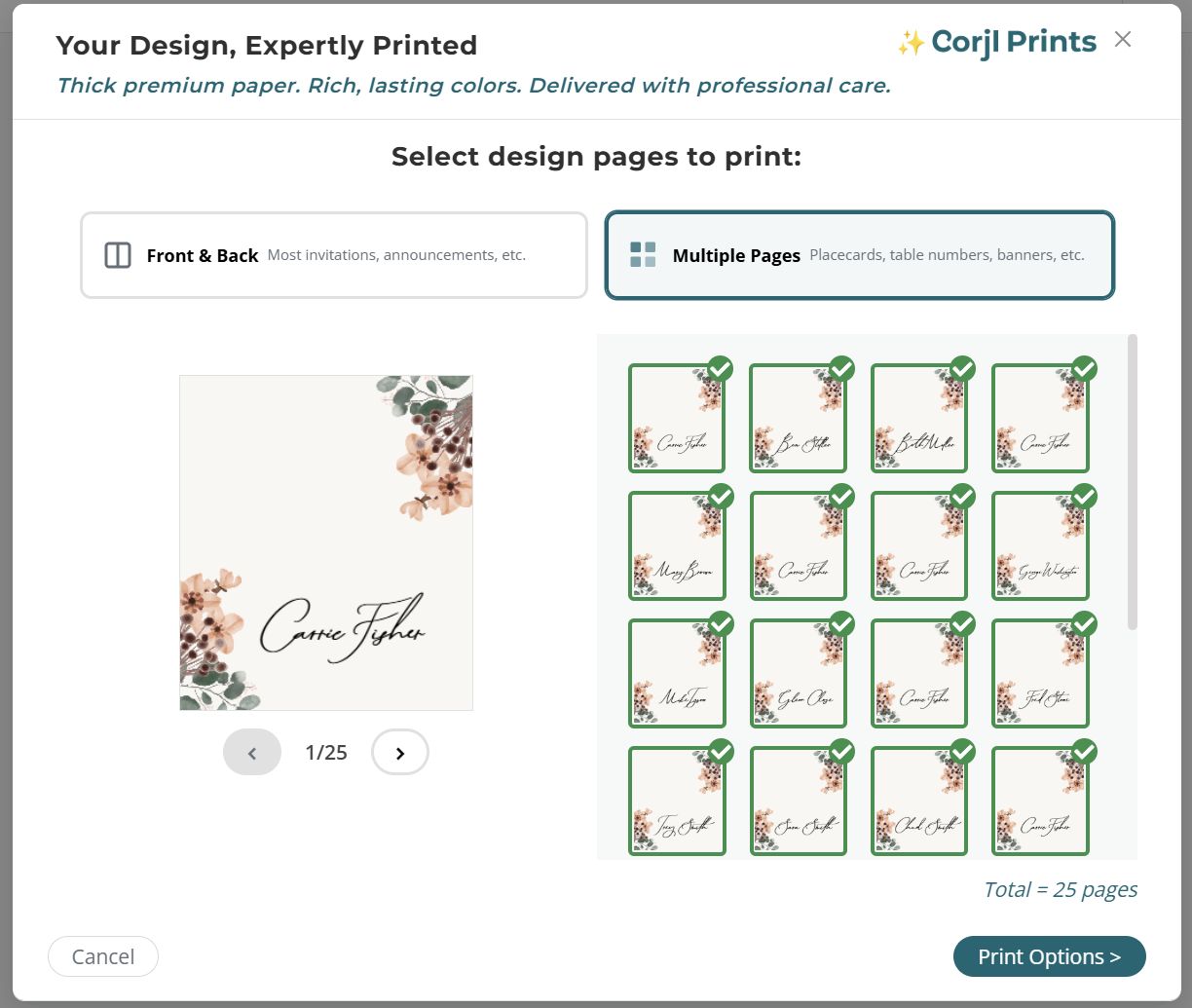
- On the next page of the checkout process, select the Paper Type you want for the order.
-
Next, you will verify the Number of Sets to order. The default is set to "1" which will provide one complete set of all of the pages of the design. The total number of pages being ordered for print will show below the number of sets.
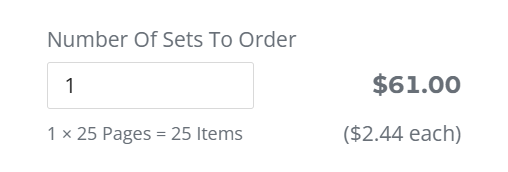
- Click Add to Cart to finalize your purchase.
❓Frequently Asked Questions
Help! I'm not seeing this option for my design.
This option is only available for designs with 10 or more pages. Please make sure your design has at least 10 pages, then try ordering again.
I need to print on the front and the back of my variable print design pages. How can I do that?
Currently, only printing on the front of the print pages is available for variable print during checkout. However, if you reach out to Corjl Print support, they can help create a custom print order for printing on the back pages as well.