
Can I print a page from a different design on my card?
You are able to choose the design for the back of your printed card from a different design than the one you are currently editing.
Follow these steps to choose a different back option:
- Click the Order Prints button.
- If not already selected, select the page you want for the front of the card.
-
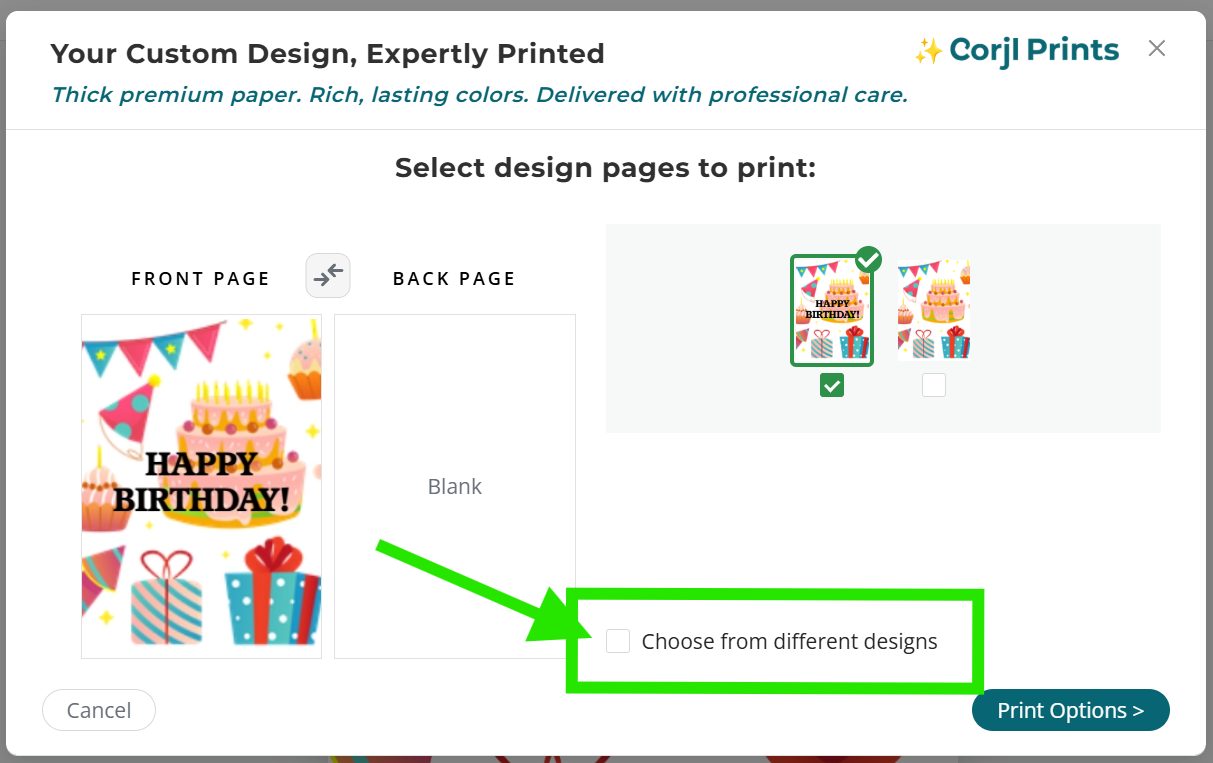
Next, select the box next to the Choose back from different design option found below the page thumbnail images area.
-
Select the name of the design that has the back you want using the drop-down options that appear above the page thumbnails.
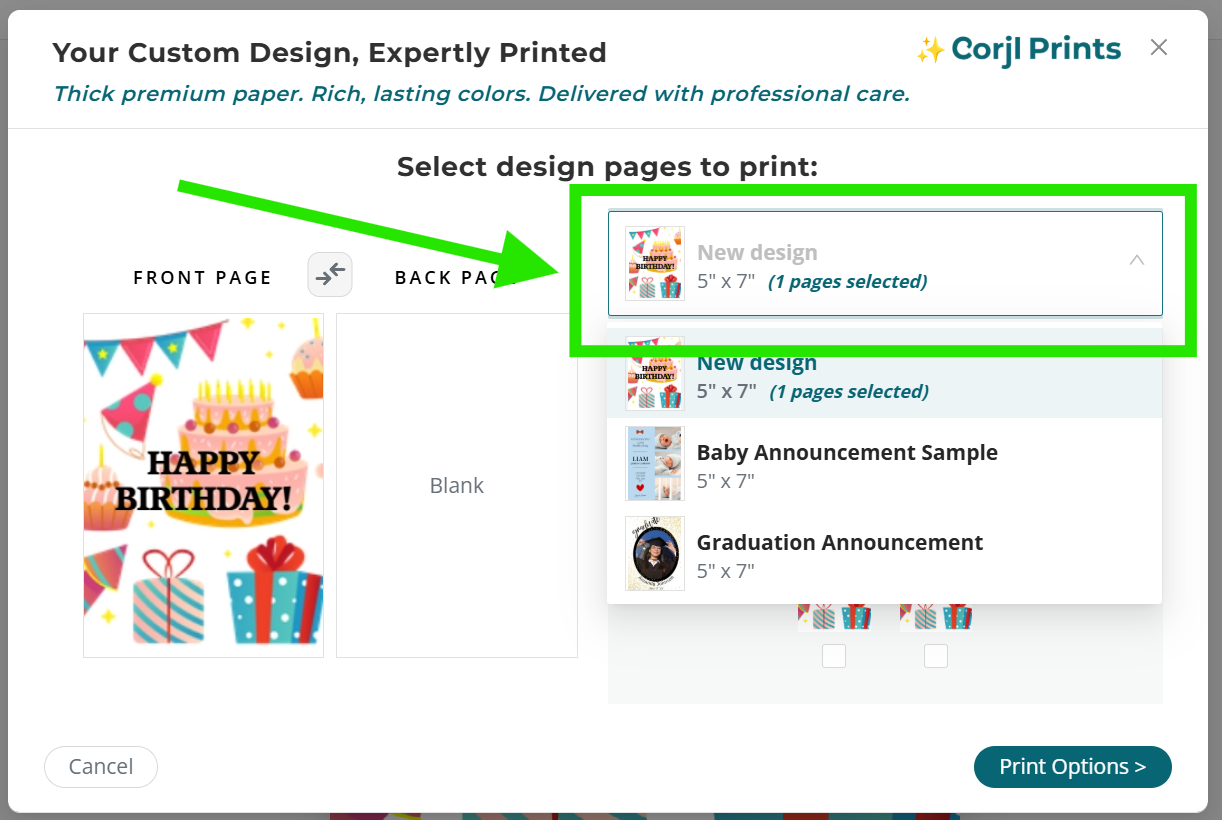
The available pages from that design will now show in the Page Thumbnails area. Select the option you want for the back design from the pages shown.