
How can I revert or reset my design?
You can revert all of the changes to your design by clicking on the Revert to Original button. If this option is enabled for your design, you will see it in the very bottom left corner of the screen:
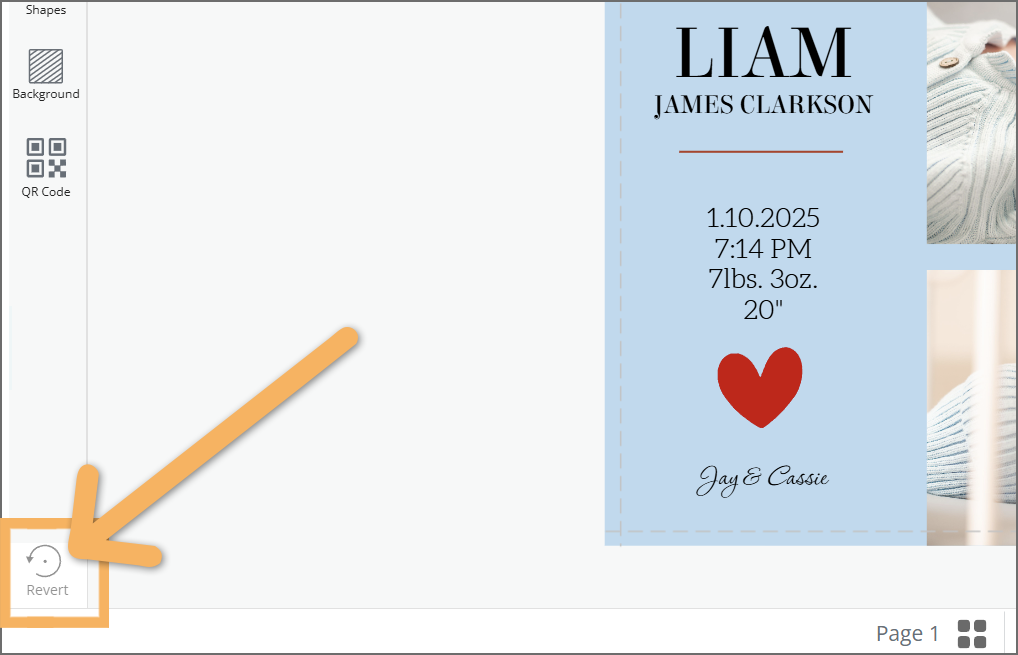
Click on that button and all changes to the design will be undone and the design will revert to its original layout.
🚨 Please note that once a design has been reverted and new changes made, the previous version can not be recovered.